QuickTube for your computer.Windows and Linux.
Search, watch and download from YouTube and 1,800+ sites on a big screen, with parallel downloads, bulk queues and keyboard shortcuts. Free and open source.
v1.0.0 · Nov 10, 2026 · .exe · .msi · .deb · .rpm · GPL-3.0
Download
Pick your installer. Downloads start right away.
Every file comes straight from the official GitHub release, with its SHA-256 checksum.
macOS
Not available yet
Android
QuickTube for your phone (APK)
Released Nov 10, 2026. Release notes and all files on GitHub
Install
Up and running in a minute.
QuickTube brings its own Java runtime, so there's nothing else to set up except VLC for playback.
- 1
Download the installer
Get QuickTube-1.0.0.exe above. Your browser saves it to your Downloads folder.
- 2
Run it
Open the file and follow the installer. If Windows SmartScreen shows a warning, choose More info → Run anyway.
- 3
Install VLC for playback
QuickTube plays video through VLC 3. Get it from videolan.org. ffmpeg is already included.
- 4
Open QuickTube
Find it in the Start menu. Downloads go to Downloads\QuickTube.
Screens
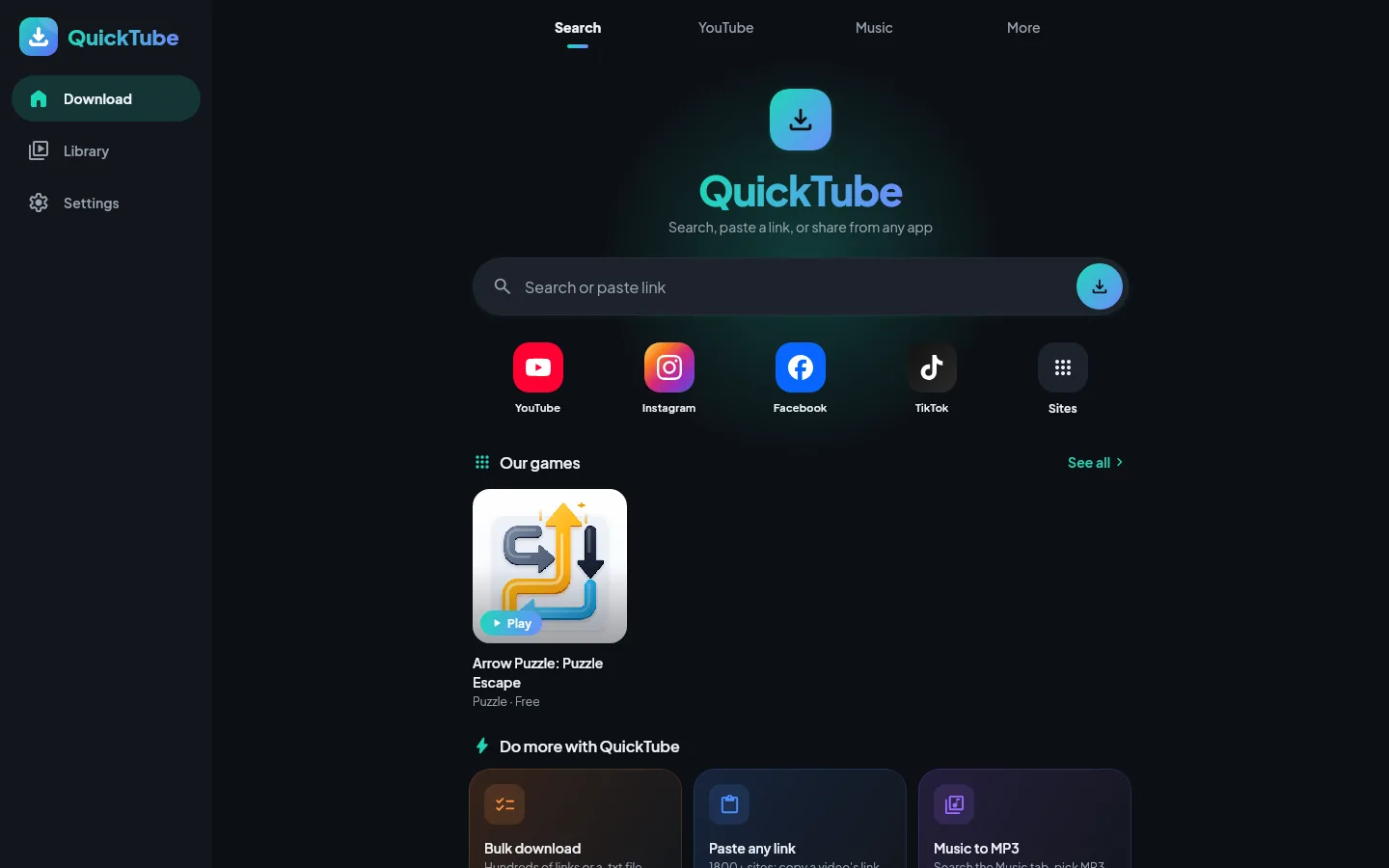
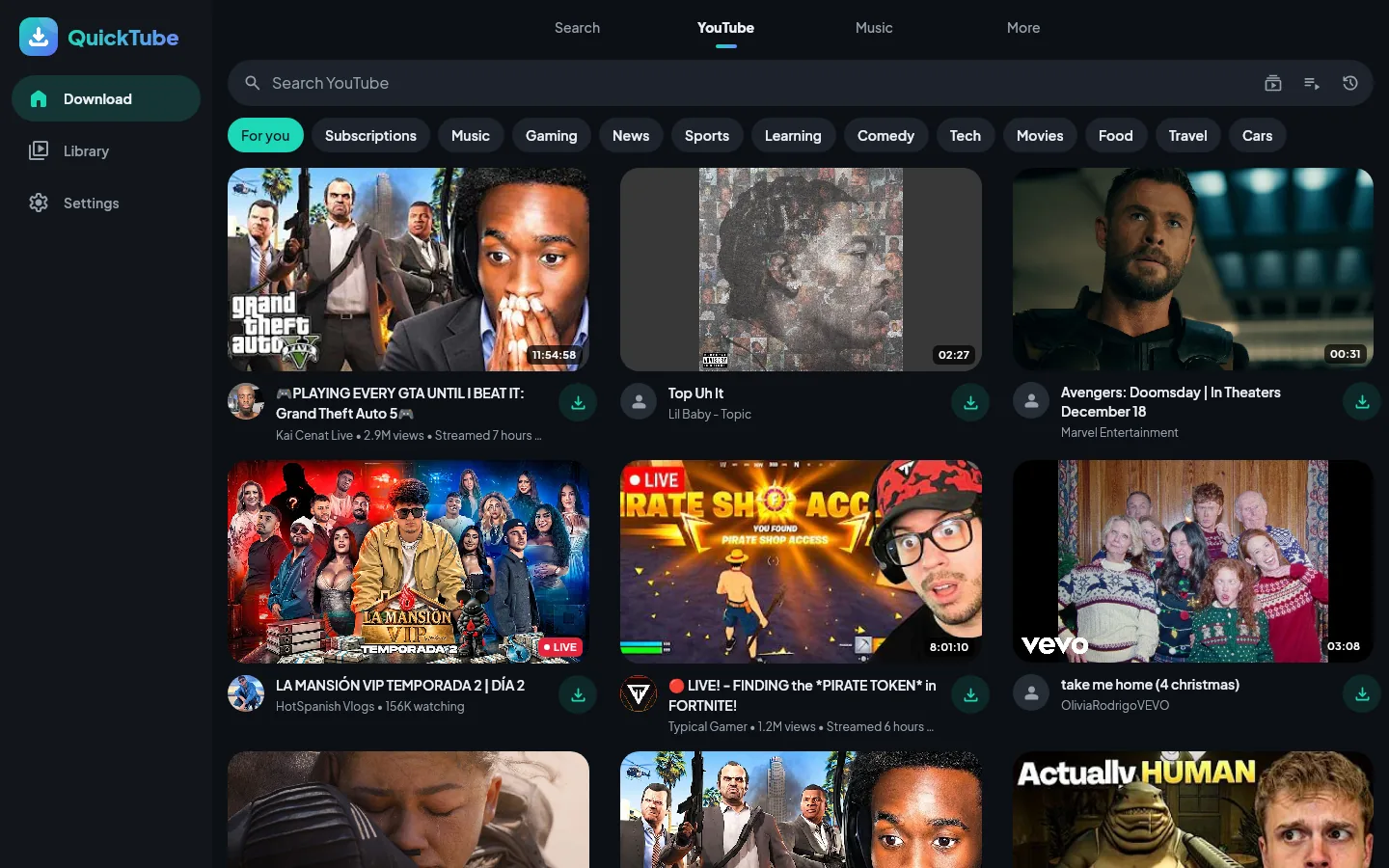
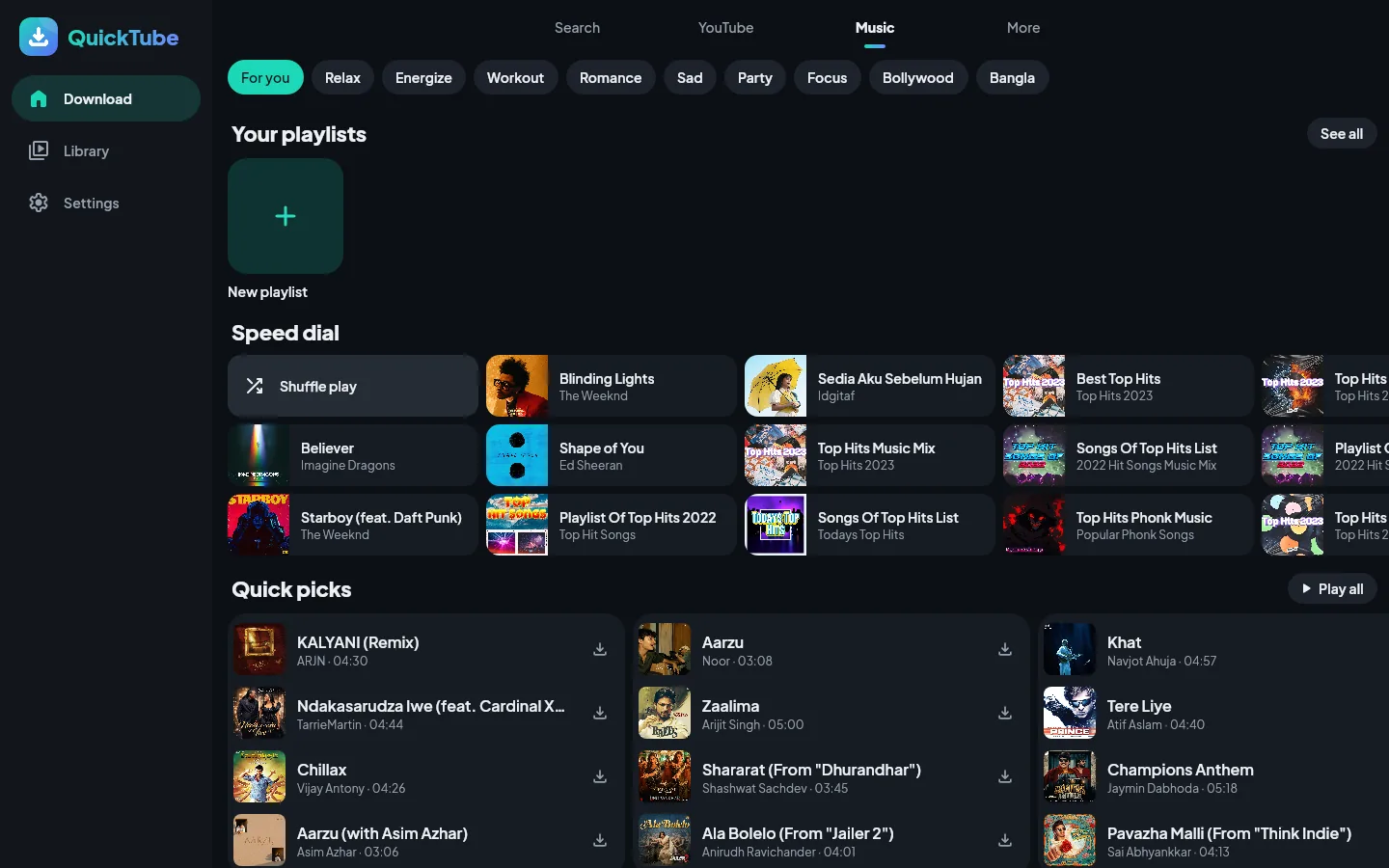
Built for a big screen. Real captures of the app.
Features
Everything from the phone app. Plus what a computer does best.
Fast parallel downloads
Large files download in parallel 4 MB parts, so a big video finishes as fast as your connection allows.
Every format
HD video merged with its audio, MP3 and FLAC, HLS streams and clips cut to the part you want, all with ffmpeg.
1,800+ sites, kept current
yt-dlp is downloaded on first use and kept up to date, so supported sites keep working.
Bulk download
Paste hundreds of links, or open a .txt file of them, and queue them all at once.
Built-in player
Watch and listen in the app, with full screen and keyboard control. Playback uses VLC.
Made for any window
A side rail on wide windows, and grids that gain columns as the window grows.
No analytics
The desktop app sends no usage data. Your library and settings stay in your user folder.
Same app as on Android
Home, Search, Bulk and the download sheet are the same screens as the Android app, from one codebase.
Keyboard first
Play, seek, change volume, go full screen and search without touching the mouse.
Shortcuts
Keyboard shortcuts.
- Play or pause
- Space / K
- Back or forward 5 s
- ← / →
- Back or forward 10 s
- J / L
- Volume
- ↑ / ↓
- Mute
- M
- Full screen
- F, F11 or double-click
- Back, or leave full screen
- Esc
- Search
- Ctrl + L
FAQ
Questions and answers.
On Windows, the .exe installer. The .msi is the same app for IT-managed installs. On Ubuntu, Debian, Linux Mint or Pop!_OS, the .deb; on Fedora, RHEL or openSUSE, the .rpm. This page highlights the right one for your computer.
Not yet. QuickTube for desktop is available for 64-bit Windows and Linux today.
The built-in player plays video and music through VLC 3. Install it from videolan.org on Windows, or from your package manager on Linux. Downloading works without it.
Windows SmartScreen can warn about new apps it hasn't seen often. Choose More info → Run anyway to continue. You can also compare the file's SHA-256 with the one shown on this page.
In a QuickTube folder inside your Downloads folder. Your library and settings live in your user folder (%APPDATA%\QuickTube on Windows, ~/.local/share/QuickTube on Linux).
When a new desktop version is released it appears on this page. Download it and install it over the current one; your library and settings are kept in your user folder.
Yes. QuickTube is free and open source under the GPL-3.0 licence, with no ads and no account.